How to Migrate from Excel to a Digital System Safely
Explore a step-by-step plan to transition from Excel to a digital system in property management, ensuring data integrity throughout the process.
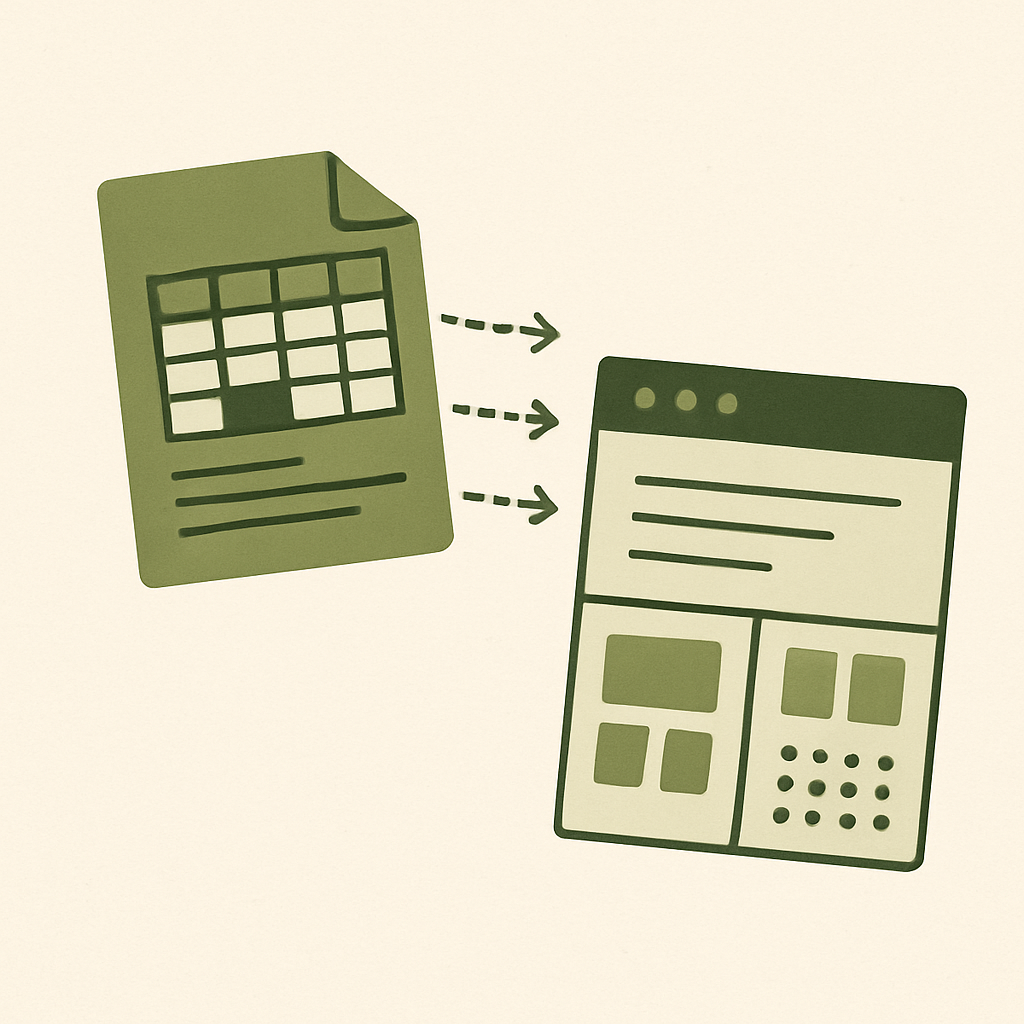
Migrating from Excel-based systems to digital platforms is a crucial step for modern property management. This process, while challenging, can be smooth and effective if a structured plan is followed.
Step 1: Assessment and Planning
Before starting the migration, it's vital to assess the specific needs of your property management. Define which data is critical and must be transferred to the new digital system.
- Data Inventory: Conduct a complete inventory of all the Excel sheets you use. Identify duplicates and obsolete data.
- Software Selection: Research software options that fit your needs. Consider platforms that offer integrations with tools you already use.
A detailed plan will help minimize the risk of data loss and ensure all aspects of the process are carried out in an orderly manner.
Step 2: Data Preparation
Cleaning and preparing the data is a crucial step before migration. Ensure all data to be migrated is up-to-date and organized.
- Normalization: Standardize formats and eliminate inconsistencies in your Excel data.
- Backups: Make backups of all files before starting the migration. This will allow you to restore any information in case of error.
"Data digitalization is not just a trend but a necessity for efficiency in property management." - Property Management Expert
Step 3: Migration Process
With the data prepared, it's time to start the migration to the digital system. This step should be done carefully to avoid data loss.
- Initial Testing: Before full migration, conduct tests with a subset of data. This will help identify potential issues before the full transition.
- Automation: Use automation tools to facilitate the process and reduce downtime.
Ensure the new digital system complies with local regulations, such as the Ley de Protección de Datos Personales en Posesión de los Particulares (LFPDPPP) in Mexico.
Step 4: Validation and Training
Once the migration is complete, it's essential to validate that all data has been transferred correctly and train your team on using the new system.
- Data Verification: Check that all information is complete and accessible in the new system.
- Training: Organize training sessions to familiarize staff with the new tools and processes.
Transitioning to a digital system not only improves efficiency but also provides a solid foundation for future innovations. With habitaOne, you can optimize this process and ensure each step is executed optimally.
Tired of chasing late payments and managing fees by hand?
habitaOne automates it all: fees, access, assemblies, AI against delinquency. Try it free.